




0.背景
为了响应国产化需求,部分业务切换采用了国产市占率第一的欧拉系统。但显卡由于众所周知的原因,仍使用NVIDIA系列显卡,因此,本次演示在欧拉系统下驱动NVIDIA 3090显卡,所用的环境为:
openEuler 2203 SP4
NVIDIA 3090
1.查看PCI状态
登录到欧拉系统,使用以下命令查看系统是否已经正确识别到显卡的硬件。
lspci | grep -i vga
执行命令后,在输出的结果中已经显示出NVIDIA RTX 3090的字样,说明操作系统中PCI设备已经识别显卡的物理硬件。

2.下载驱动
登录到NVIDIA的官方驱动下载页
https://www.nvidia.cn/geforce/drivers/
在检索页面中,选择3090显卡,操作系统选择Linux,点击开始搜索。
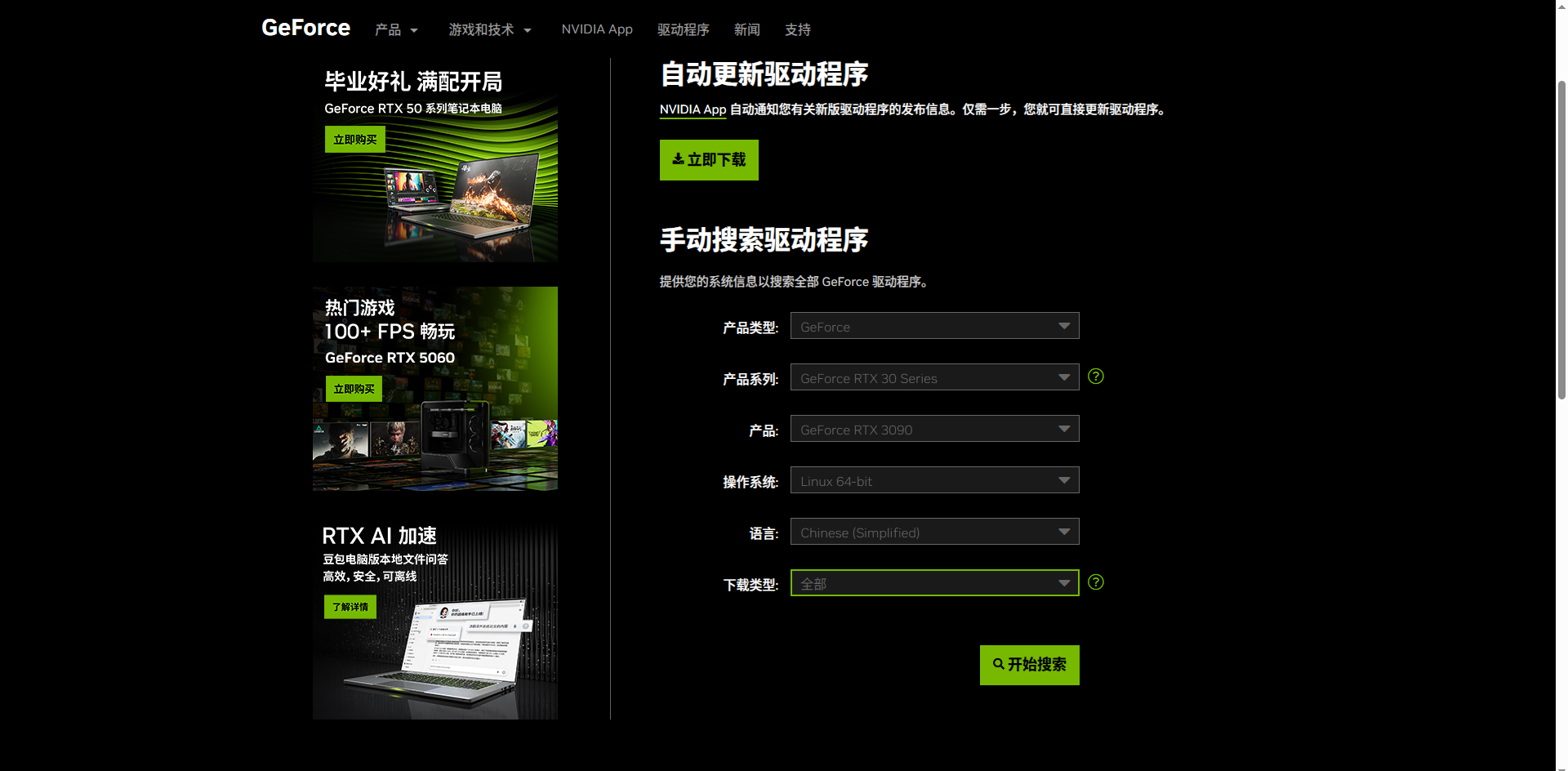
下载需要的程序版本,可以根据自己的需要选择稳定的版本,最新的版本不一定稳定。
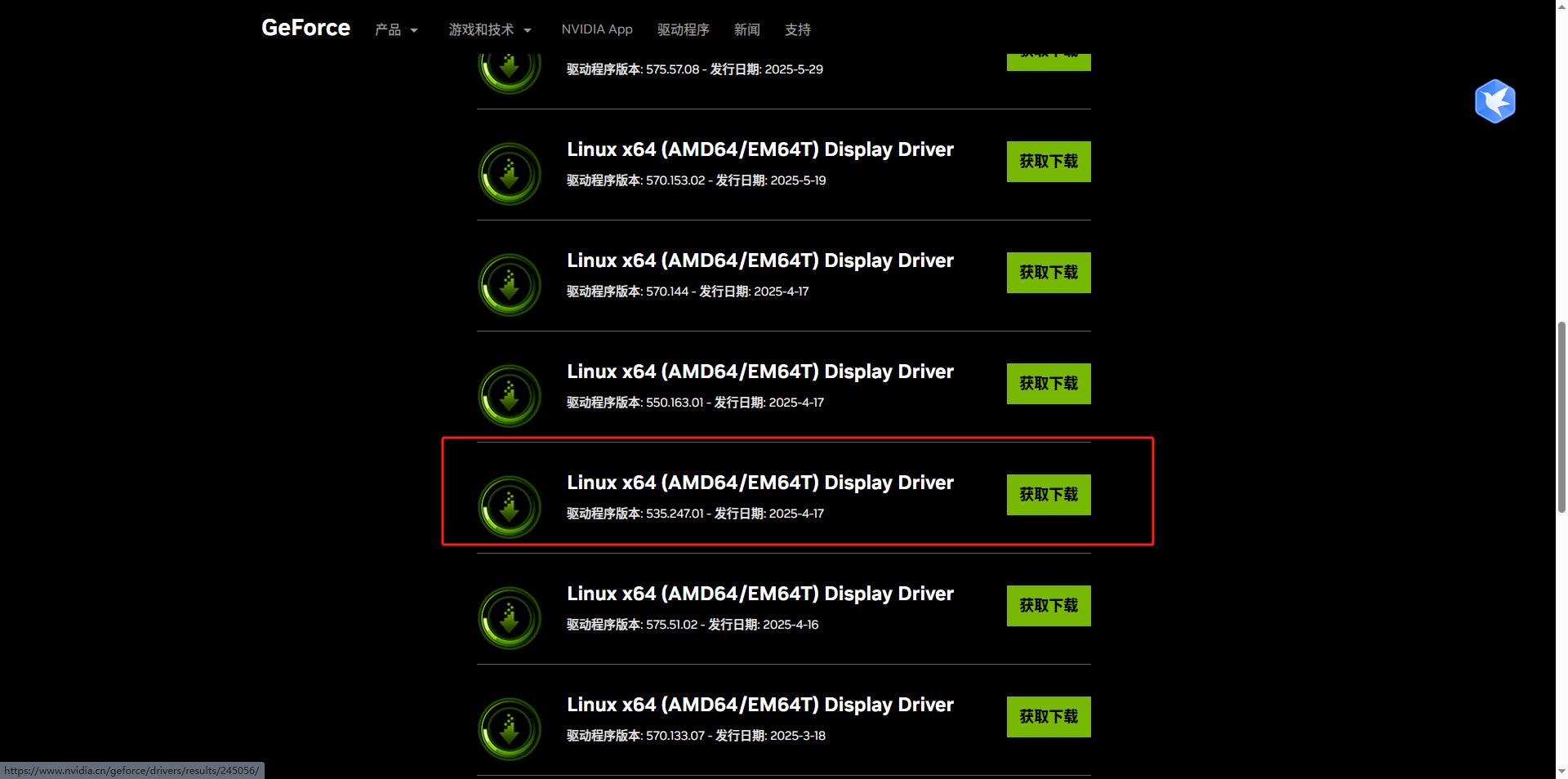
点击获取下载,然后跳转页面。点击页面中的下载,获取.run文件。
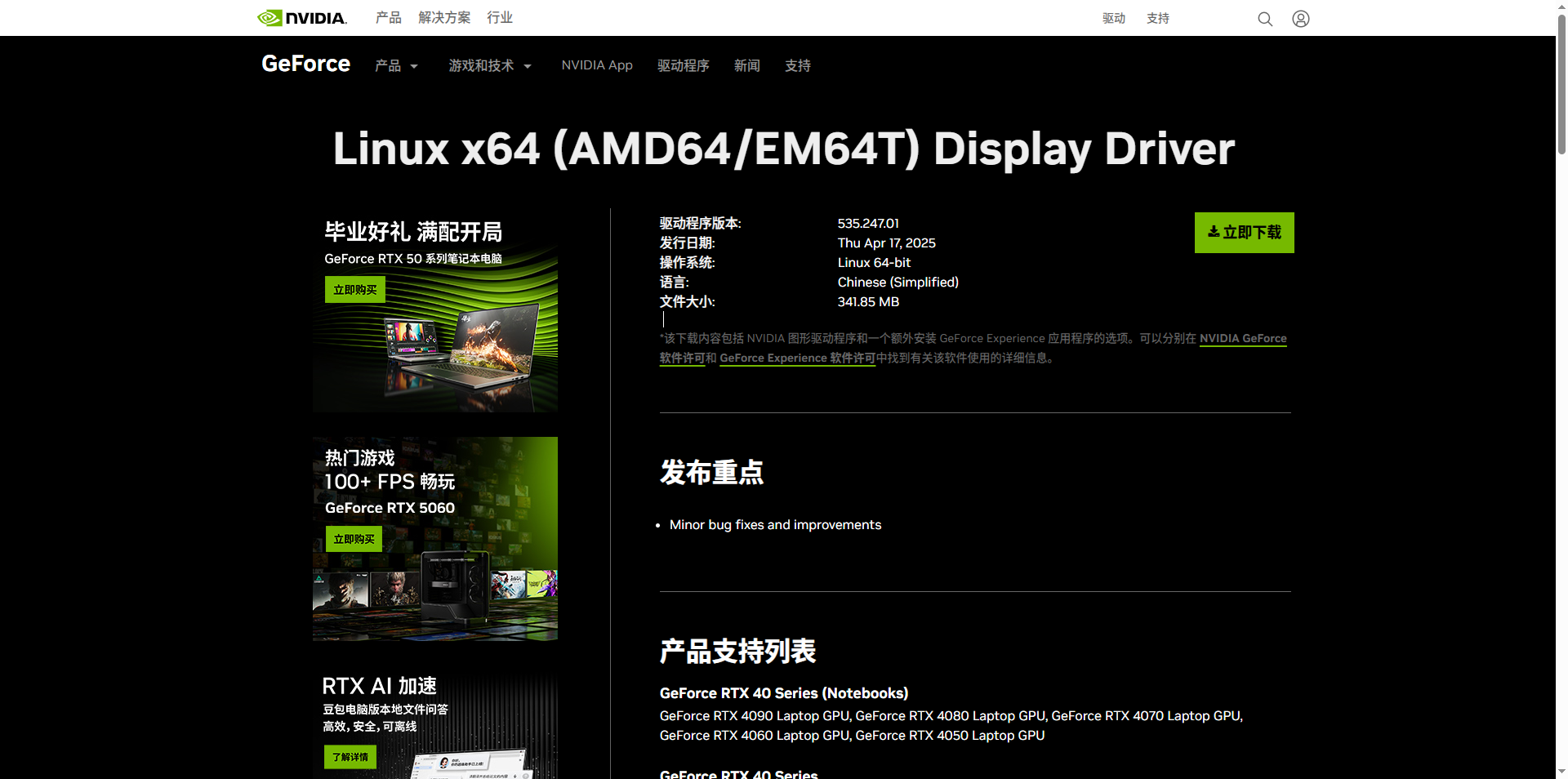
下载完成后,如下图所示,我下载了2个不同的版本,实际测试安装没有查遍。.run文件大小约300多MB,下载网速较慢,需要耐心等待下载,将下载好的文件上传至openEuler服务器。

3.安装驱动
登录到服务器,首先执行命令安装环境依赖,安装后避免安装驱动报错。
yum install kernel-devel kernel-headers gcc dkms gcc-c++
将上传的.run文件增加可执行权限,使用以下命令:
chmod +x NVIDIA-Linux-x86_64-575.64.run

执行安装程序,这里需要指定kernel的路径,可以查看一下实际你的内核路径,将路径附到参数后面。
./NVIDIA-Linux-x86_64-575.64.run --kernel-source-path=/usr/src/kernels/5.10.0-268.0.0.171.oe2203sp4.x86_64/
下面是安装过程中的选择,供参考:
Multiple kernel module types are available for this systems. Which would you like to use? NVIDIA Proprietary
An alternate method of installing the NVIDIA driver was detected.(This is usually a package provided by your distributor.) A driver installed via that method may integrate better with you system than a driver installed by
naidia-installer
Please review the message provided by the maintainer of this alternate installation method and decide how to proceed: Continue installation Abort installtion
The NVIDIA driver provided by Ubuntu can be installed by launching the "Software & Updates" application,and by selecting the NVIDIA driver from the "Additional Drivers" tab.
Continue installation
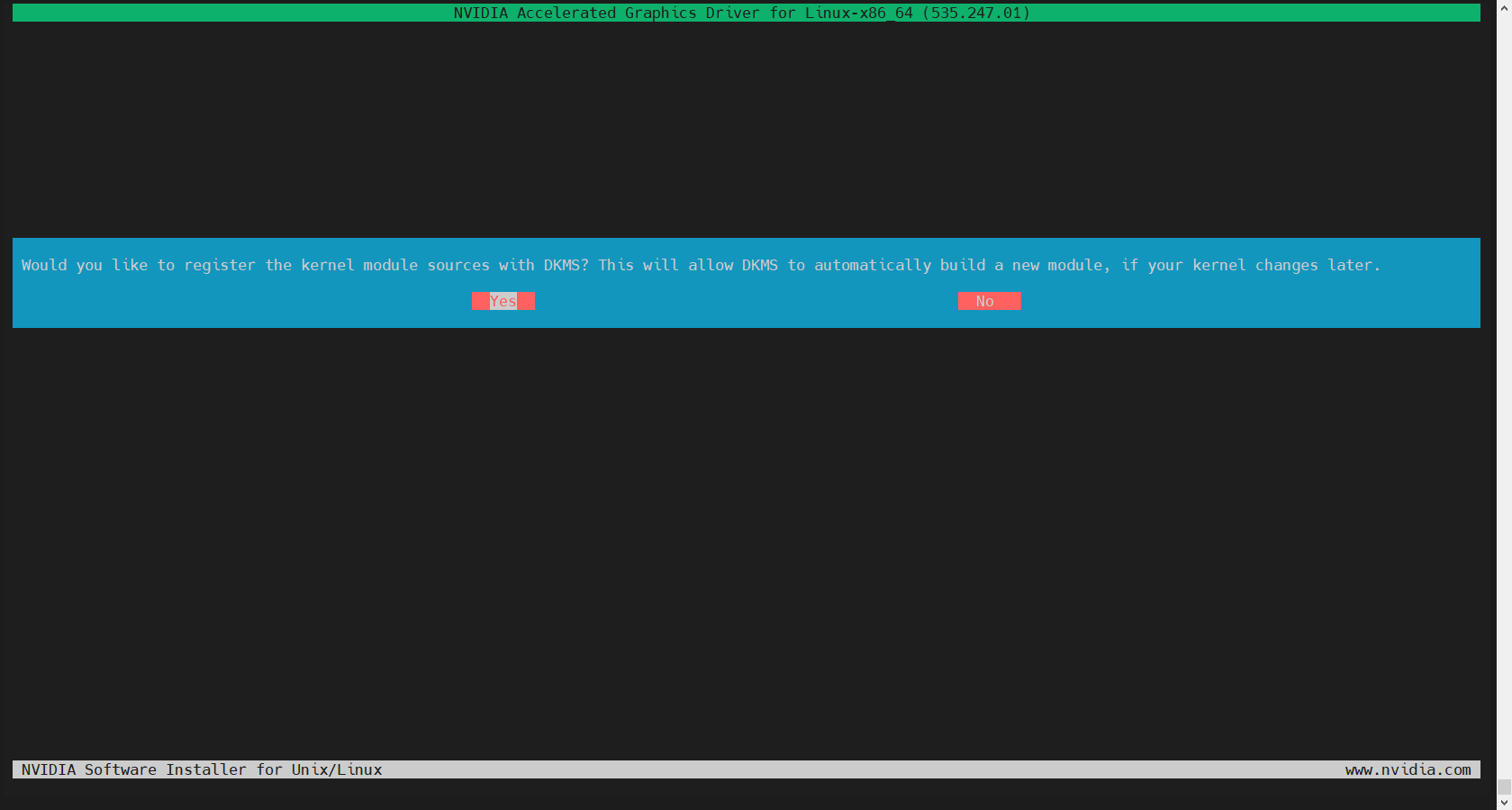
Would you like to register the kernel module source with DKMS? This will allow DKMS.... Yes
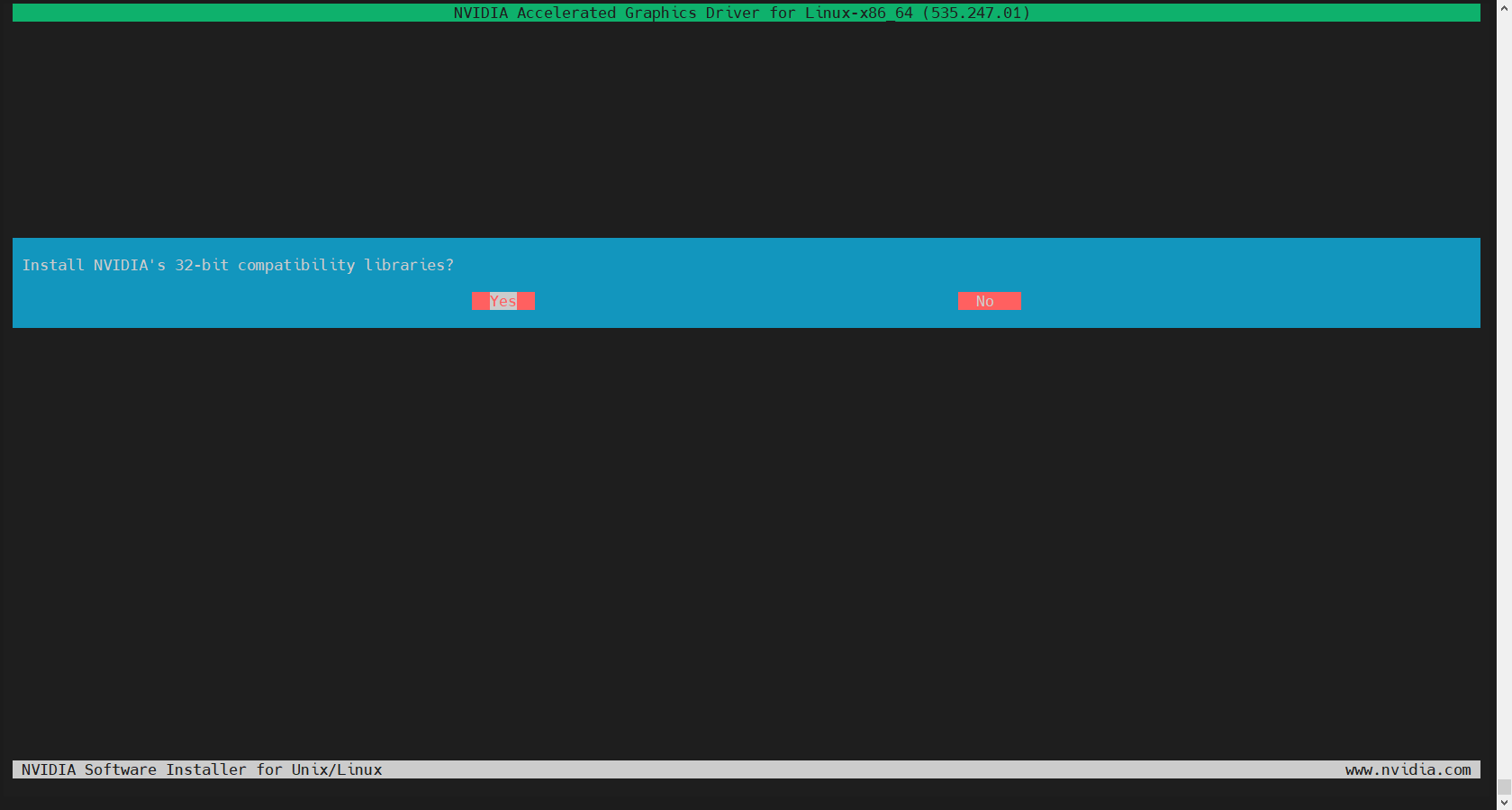
Install NVIDIA's 32-bit compatibility libraries? NO
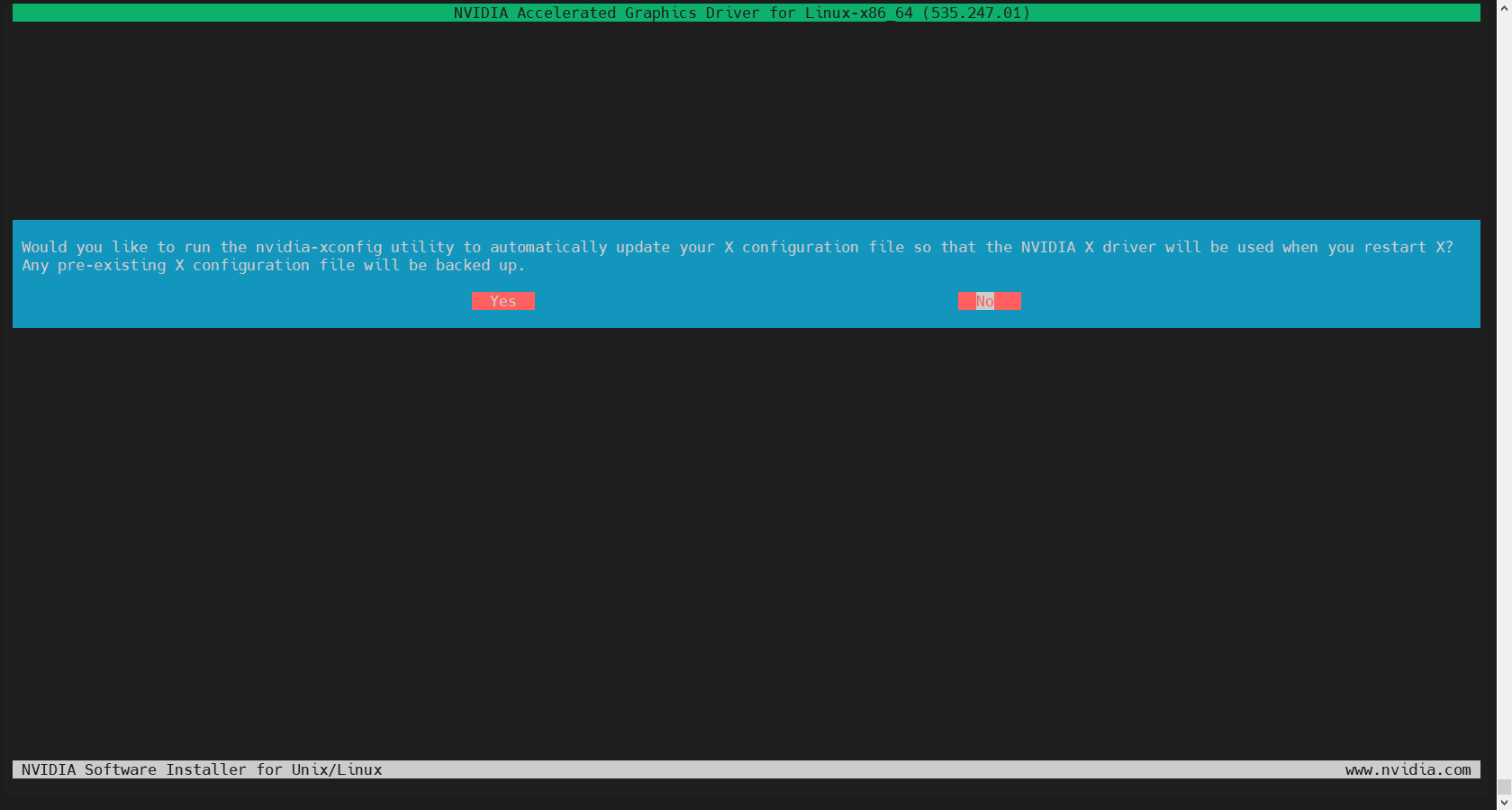
Would you like to run the nvidia-xconfig utility to automatically update you X configuration file so that the NVIDIA X driver will be used when you restart X? Any pre-existing X configuration file will be backed up. Yes
下面是安装的图示,供参考。
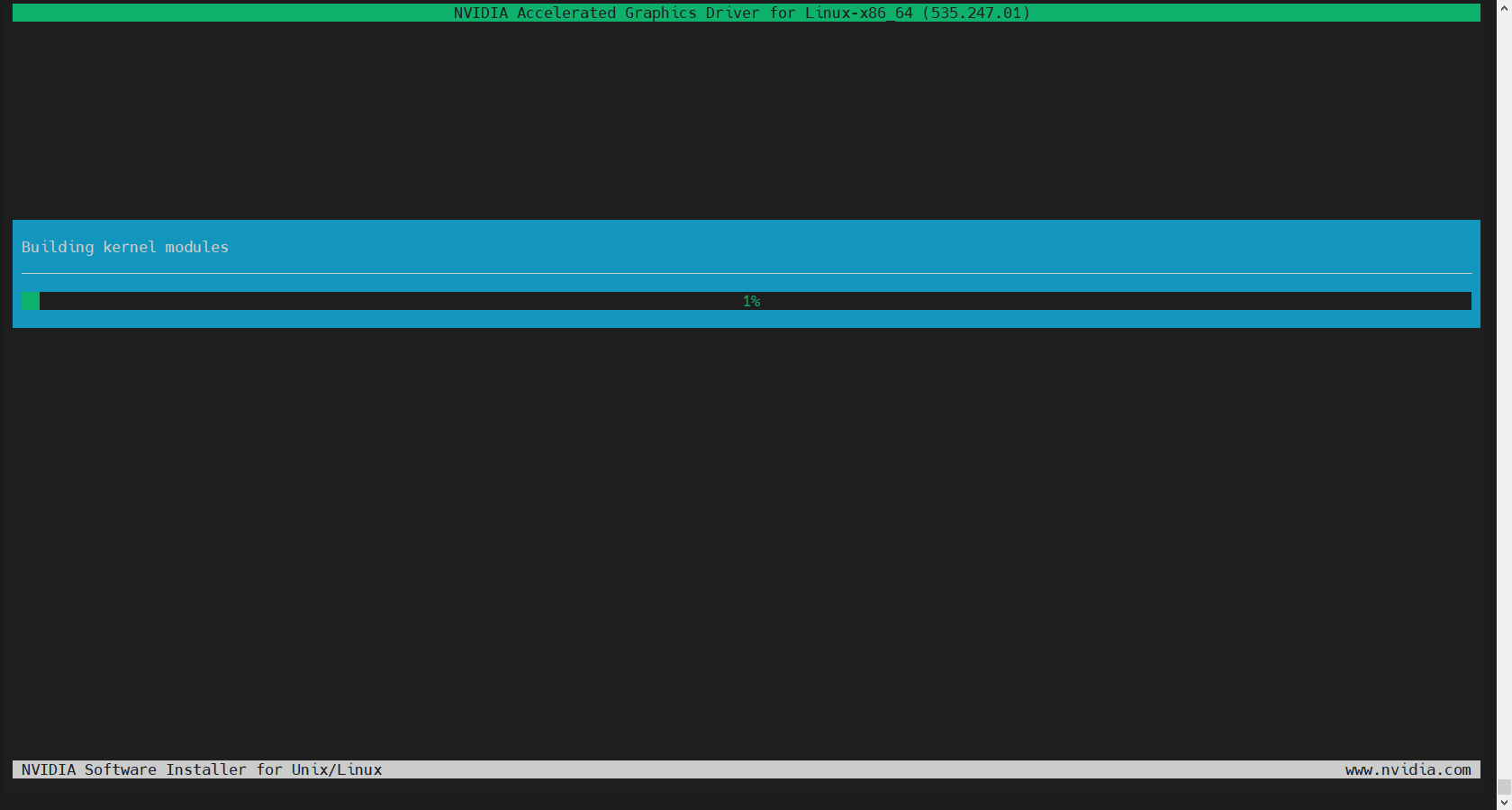
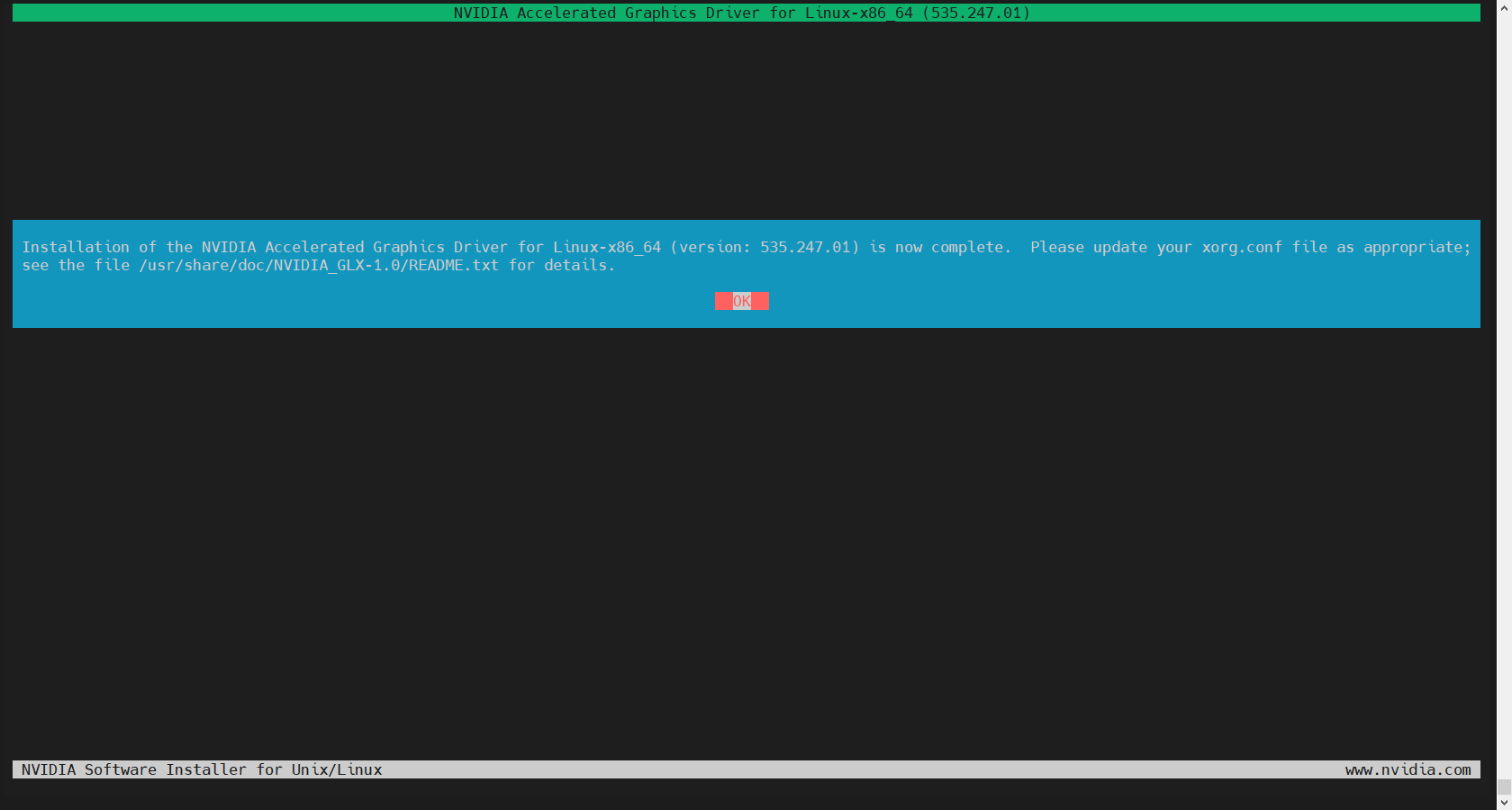
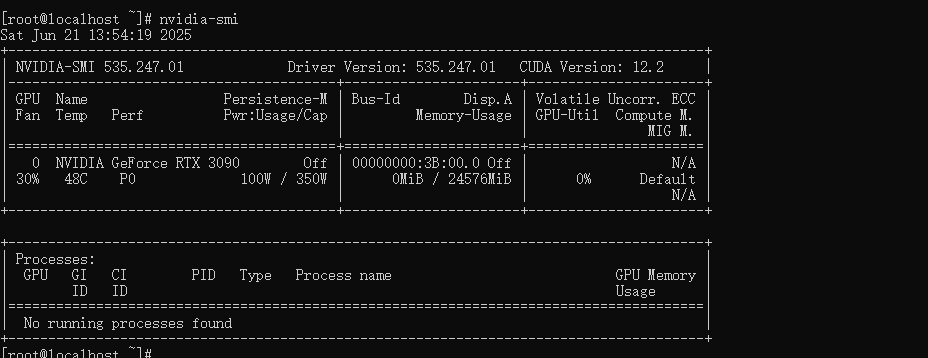
到此处已经安装完完毕,执行命令,即可查看驱动情况:
nvidia-smi
如果结果已经回显出显卡的名称与状态,则正常驱动。
评论区